


thinkorswim
thinkorswim is Schwab's powerful multi-asset trading suite, best for chart-heavy stock, options and futures traders who want broker-native tools.
Review text updated September 13, 2026
Review method: published documents. Text updates are separate from the dated profile evidence; current features and account terms have not all been reverified.
Scores
Overall3.7/ 5
- Charting4.5 / 5
- Execution3.7 / 5
- Ease of use3.0 / 5
- Mobile4.3 / 5
- Automation3.1 / 5
- Data quality3.6 / 5
- Value3.8 / 5
- Support4.0 / 5
Pros
- Powerful all-in-one Schwab platform for stocks, ETFs, options, futures and forex
- Excellent charting depth with hundreds of indicators, studies and drawing tools
- Active Trader provides a real-time bid/ask ladder, one-click order entry and customizable order workflow
- thinkScript supports custom studies, strategies, alerts, scans, watchlist columns and conditional orders
- paperMoney is built into the platform suite for realistic practice and strategy testing
- Mobile app is unusually capable, with synced settings and more than 300 charting indicators
Cons
- Generally incompatible with futures prop-firm accounts, including the mainstream Rithmic, Tradovate and NinjaTrader-based evaluations
- Broker-owned platform means execution, account access and data are tied to Schwab eligibility and approvals
- thinkScript is useful inside thinkorswim but limiting for serious algorithmic research and external-data backtesting
- Interface is dense and takes time to configure well
What is thinkorswim
thinkorswim is Charles Schwab's advanced trading-platform suite for self-directed stock, options, futures and forex traders. The platform began as Thinkorswim, Inc. in 1999, became part of TD Ameritrade in 2009, and now sits inside Schwab after Schwab acquired TD Ameritrade in 2020. It is best understood as a broker platform with desktop, web and mobile access, rather than an independent futures prop-trading front end.
At a glance
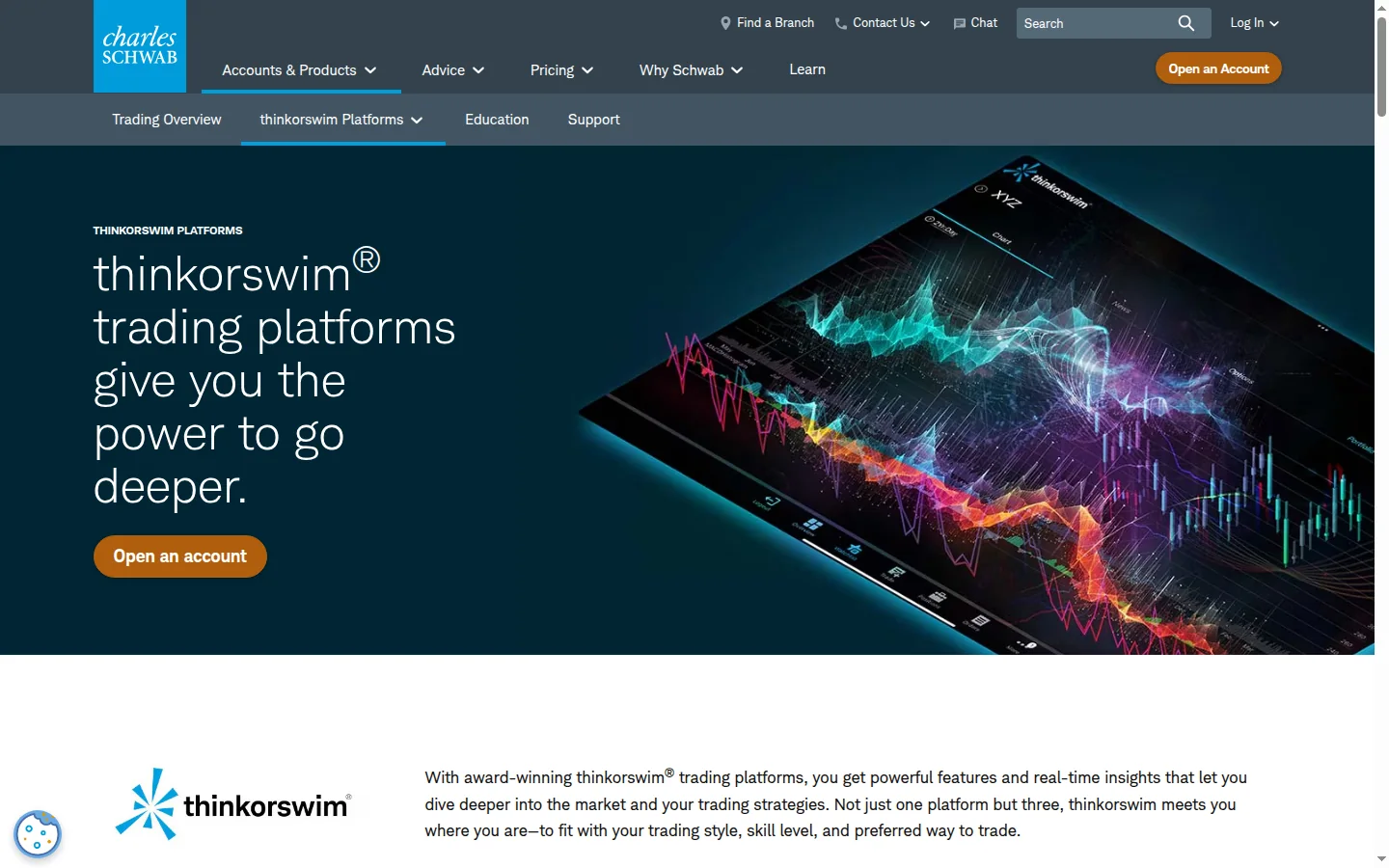
thinkorswim is one of the strongest broker-owned platforms available to a U.S. retail trader. Its charts, studies, options tools, paperMoney practice mode and mobile app are genuinely deep. For an active futures prop trader, the main problem is decisive: major futures evaluation firms usually route through Rithmic, Tradovate, NinjaTrader, Quantower, ATAS or their own web platforms, and thinkorswim generally is absent from that stack.
Markets, instruments, and who can use it
Schwab says thinkorswim supports stocks, ETFs, options, futures and forex, with crypto marked as a coming Schwab product rather than a live thinkorswim market at the time checked. The suite includes thinkorswim desktop, thinkorswim web and thinkorswim mobile, so access is broader than a Windows-only futures package. Futures and forex trading require Schwab approval, and futures and forex services are provided by Charles Schwab Futures and Forex LLC.
For BullTraders readers, the gating fact is account access. thinkorswim is for traders using an eligible Schwab account. A trader whose funded account is issued by a futures prop firm will usually need the platform and connection that the firm supplies, such as TopstepX, NinjaTrader, Tradovate, Rithmic, Quantower or a firm dashboard.
Charting and analysis
Charting is the reason many traders keep thinkorswim open even when they place orders elsewhere. Schwab advertises hundreds of technical indicators, studies and drawing tools, and the Learning Center documents a large studies and strategies library. Multi-chart layouts, watchlists, scanners, alerts, options analytics and paperMoney make it a serious discretionary-analysis workstation.
The strongest use case is stock and options analysis with futures added as a tradable market. A futures-only order-flow specialist will still miss the broader third-party ecosystem around footprint charts, volume-profile add-ons, custom DOM packages and professional futures data feeds found around NinjaTrader or Sierra Chart.
Order execution and order flow
The execution interface to know is Active Trader. Schwab's manual describes it as a thinkorswim interface for quick order placement, with a real-time bid/ask price ladder, one-click order entry and extensive customization for stocks, options, futures and forex. That ladder is the closest thinkorswim gets to the DOM, or depth-of-market, workflow that futures scalpers use to stage orders against price levels.
The order-type support is broad: market, limit, stop, trailing stop, conditional orders, saved orders and thinkScript-linked conditions are documented in the Learning Center. Bracket-style workflows and OCO logic are available through order-entry tools, although the platform language is different from the SuperDOM culture around NinjaTrader. For a Schwab trader, the workflow is powerful. For a funded futures scalper, the weaker point is the venue ecosystem: prop firms typically validate orders, risk rules and data through their own approved connection, and thinkorswim usually does not plug into that.
Automation and backtesting
thinkorswim's automation layer is thinkScript, a built-in language for studies, strategies, watchlist columns, alerts, scans and conditional orders. It is useful for a trader who wants to mark setups, scan symbols, build custom indicators or test a simple ruleset directly on a chart. Schwab's documentation says strategies can add simulated orders to a chart and produce a hypothetical profit/loss report.
That is helpful, with a clear ceiling. thinkScript is platform-specific and oriented toward chart studies and conditional logic rather than institutional research. Community discussions in r/algotrading often describe it as limiting for serious strategy research, external data, reproducible experiments and robust backtesting. Treat its backtester as a fast idea filter inside thinkorswim, then validate serious systems elsewhere before risking money.
Data, feeds, and connectivity
Market data is broker-provided through Schwab and conditioned on exchange agreements. Schwab's Learning Center notes that real-time market-data access requires acceptance of exchange agreements, that fees can apply, and that volatility, volume and system availability may delay account access or executions. That disclosure matters because it is the sober version of the platform story: the feed is convenient, yet it remains a broker platform with exchange rules and system-risk caveats.
thinkorswim does not operate like Sierra Chart or NinjaTrader, where a prop firm may hand you Rithmic, CQG or Tradovate credentials and the platform becomes the front end. With thinkorswim, the connection is Schwab. If you are trading your own Schwab futures account, that is simple. If you are trading an evaluation or funded account, the firm usually supplies the data and route, which changes both the cost picture and the platform choice.
Pricing decoded
Exchange, regulatory and market-data fees can still apply, and futures require account approval.
For futures traders, the platform-license math is unusual because thinkorswim has no lease or lifetime license to amortize. The real cost is per-contract trading cost plus exchange and regulatory fees. An illustrative futures scalper doing one hundred round turns in a month trades two hundred contract sides. At Schwab's listed futures commission, that is 200 times $2.25, or $450 in commissions before exchange and regulatory fees. The break-even against a paid futures platform license is therefore not a thinkorswim license break-even; it is a commission comparison. A trader paying a separate platform fee at a lower per-contract broker could overtake Schwab quickly if monthly volume is high, while a low-frequency trader may value the $0 platform access and integrated Schwab account more.
Prop-firm compatibility
thinkorswim is generally a poor fit for the futures prop-firm workflow covered in prop-firm reviews. The reason is structural: funded-futures firms control risk, data and account routing through approved platforms and connections. Topstep now centers TopstepX, NinjaTrader and Tradovate; Apex-style firms commonly use Rithmic or Tradovate connections; many others list NinjaTrader, Quantower, ATAS, Tradovate or a proprietary dashboard.
I would not buy a futures evaluation expecting to trade it through thinkorswim. Check the platform page of the specific firm first, then confirm inside the firm's onboarding dashboard. For our coverage, compare Topstep, Apex Trader Funding, Take Profit Trader and My Funded Futures before choosing the trading front end.
Mobile and cross-device
thinkorswim mobile is one of the better mobile brokerage apps for active traders. Schwab says it syncs preferences and market scans from desktop and provides more than 300 technical charts and indicators. It also includes paperMoney, live market news and support access.
Mobile still has the usual limitation: serious futures execution belongs on a stable desktop setup with a clean order ladder, alerts, hotkeys and a connection you trust. The mobile app is excellent for monitoring, light order management and analysis away from the desk. It is not the place to run a funded-account scalping plan during a fast index-futures session.
Should you run it on a VPS
A VPS can make sense if you leave thinkorswim desktop running for alerts, monitoring, conditional orders or a stable remote workstation. It is less essential than with a futures prop account that depends on always-on platform connectivity, because thinkorswim is broker-hosted and mobile/web access can cover many account-management needs. If you trade a funded account on an approved desktop platform, read our VPS reviews and size the VPS around that platform rather than around thinkorswim.
Who it suits
thinkorswim is for U.S.-eligible Schwab clients who want a serious multi-asset trading workstation without buying a separate platform license. It shines for options traders, equity traders, chart-heavy swing and day traders, and discretionary futures traders who already accept Schwab's futures pricing and approval process.
It is a weak choice for a budget futures scalper who cares most about all-in contract cost. It is also the wrong starting point for a futures prop trader, because the funded account will usually require a firm-approved connection. Serious systematic traders should use thinkScript for platform-side signals and prototyping, then move research into a dedicated backtesting and data environment.
Our verdict
thinkorswim remains a heavyweight trading platform, and Schwab has kept the core proposition intact: deep charts, broad markets, paperMoney, thinkScript and strong mobile access under one brokerage roof. Its strengths are real, especially for options and equity traders who also want futures access.
For BullTraders' active futures prop-trader reader, the gating facts hold it back. It is broker-tied, high-volume futures commissions are expensive versus specialist futures routes, and prop-firm compatibility is generally absent. Use it as a powerful Schwab trading and analysis platform, not as the execution front end for a funded futures challenge.
FAQ
Q: Is thinkorswim free to use?
Trading costs still apply, including listed futures commissions, options contract fees, exchange fees, regulatory fees and any market-data fees that apply to your account.
Q: Can I trade futures on thinkorswim?
A: Yes, Schwab lists futures and futures options as supported on thinkorswim, subject to approval. Futures and forex services are provided by Charles Schwab Futures and Forex LLC.
Q: Does thinkorswim work with prop firms?
A: Generally, no. Most futures prop firms route through their own approved platforms and data connections, such as TopstepX, NinjaTrader, Tradovate, Rithmic, Quantower or ATAS. Confirm with the firm before buying an evaluation.
Q: Is thinkScript good for automated trading?
A: It is good for custom studies, alerts, scans, watchlist columns, conditional orders and simple strategy tests inside thinkorswim. It is less suitable for serious quantitative research, external data pipelines and robust strategy validation.
Q: Is thinkorswim better than NinjaTrader for futures?
A: It depends on the account. thinkorswim is stronger as an integrated Schwab brokerage platform with excellent charts and options tools. NinjaTrader is usually the more natural fit for futures prop firms, third-party order-flow tools and specialist futures execution workflows.
Q: Is the mobile app enough for active trading?
A: The mobile app is unusually capable and useful for monitoring, analysis and lighter order management. A serious futures day trader should still use a desktop execution setup for fast markets.
Provider documentation
thinkorswim official website contains the provider's product pages and legal terms. Match the account, plan and country before applying a rule or advertised price.
Provider pricing
thinkorswim pricing and available products should be checked for the exact account or hosting configuration. Compare the full charge, billing period and optional services before purchase.