


TradeStation
TradeStation is a mature full-suite broker platform for active traders who value desktop charting, EasyLanguage automation, and multi-asset execution.
Review text updated September 13, 2026
Review method: published documents. Text updates are separate from the dated profile evidence; current features and account terms have not all been reverified.
Scores
Overall4.1/ 5
- Charting4.5 / 5
- Execution4.2 / 5
- Ease of use3.2 / 5
- Mobile4.0 / 5
- Automation4.6 / 5
- Data quality4.0 / 5
- Value3.8 / 5
- Support4.0 / 5
Pros
- Mature full-suite desktop platform with advanced charting, Matrix depth trading, RadarScreen scanning, options tools, and multi-monitor layouts
- EasyLanguage remains one of the most approachable scripting languages for trader-built indicators and strategies
- Brokerage, data, web, mobile, desktop, API, and simulated trading sit inside one TradeStation ecosystem
- Strong for self-funded active traders who trade stocks, options, futures, and futures options from one broker
Cons
- Weak fit for retail futures prop-firm evaluations because major funded-account firms generally route through NinjaTrader, Tradovate, Rithmic, CQG, or their own dashboards
- Windows desktop remains the serious workstation experience; Mac and Linux users depend on web, mobile, virtualization, or a remote machine
- The learning curve is real, especially for traders coming from simpler web-first platforms
- Futures data, exchange, regulatory, and routing fees can make the real monthly cost higher than the headline commission suggests
- TradeStation's automation and data workflow is more tied to its own brokerage account than broker-neutral platforms
What is TradeStation
TradeStation is a long-running full-suite trading platform and brokerage from TradeStation Securities, Inc., part of TradeStation Group and ultimately owned by Monex Group. The modern product combines a serious Windows desktop platform, web trading, mobile apps, simulated trading, market data, brokerage execution, EasyLanguage automation, and developer APIs for stocks, ETFs, options, futures, and futures options.
At a glance
TradeStation is strongest as a self-funded active trader's workstation, especially if you value desktop charting, Matrix depth trading, and EasyLanguage automation. It is a weaker fit for the futures prop-firm reader because most retail funded-account programs do not give you a native TradeStation login. Treat it as a broker platform first, and a prop-firm platform only in the institutional sense.
Markets, instruments, and who can use it
TradeStation supports stocks, ETFs, options, futures, and futures options through TradeStation Securities, with additional data coverage for assets such as crypto and forex depending on the tool and feed. The serious desktop product is a Windows platform; web and mobile cover cross-device access, and the iOS and Android app listings describe trading for stocks, ETFs, options, and futures with real-time streaming quotes.
For a BullTraders reader, the early gate is simple. If you are trading your own brokerage account and want futures plus equities and options in one environment, TradeStation is a legitimate candidate. If your immediate goal is passing an Apex, Topstep, MyFundedFutures, Earn2Trade, or similar retail futures evaluation, check the firm's platform list first because those programs usually center on NinjaTrader, Tradovate, Rithmic, CQG, TradingView routes, or a proprietary dashboard.
Charting and analysis
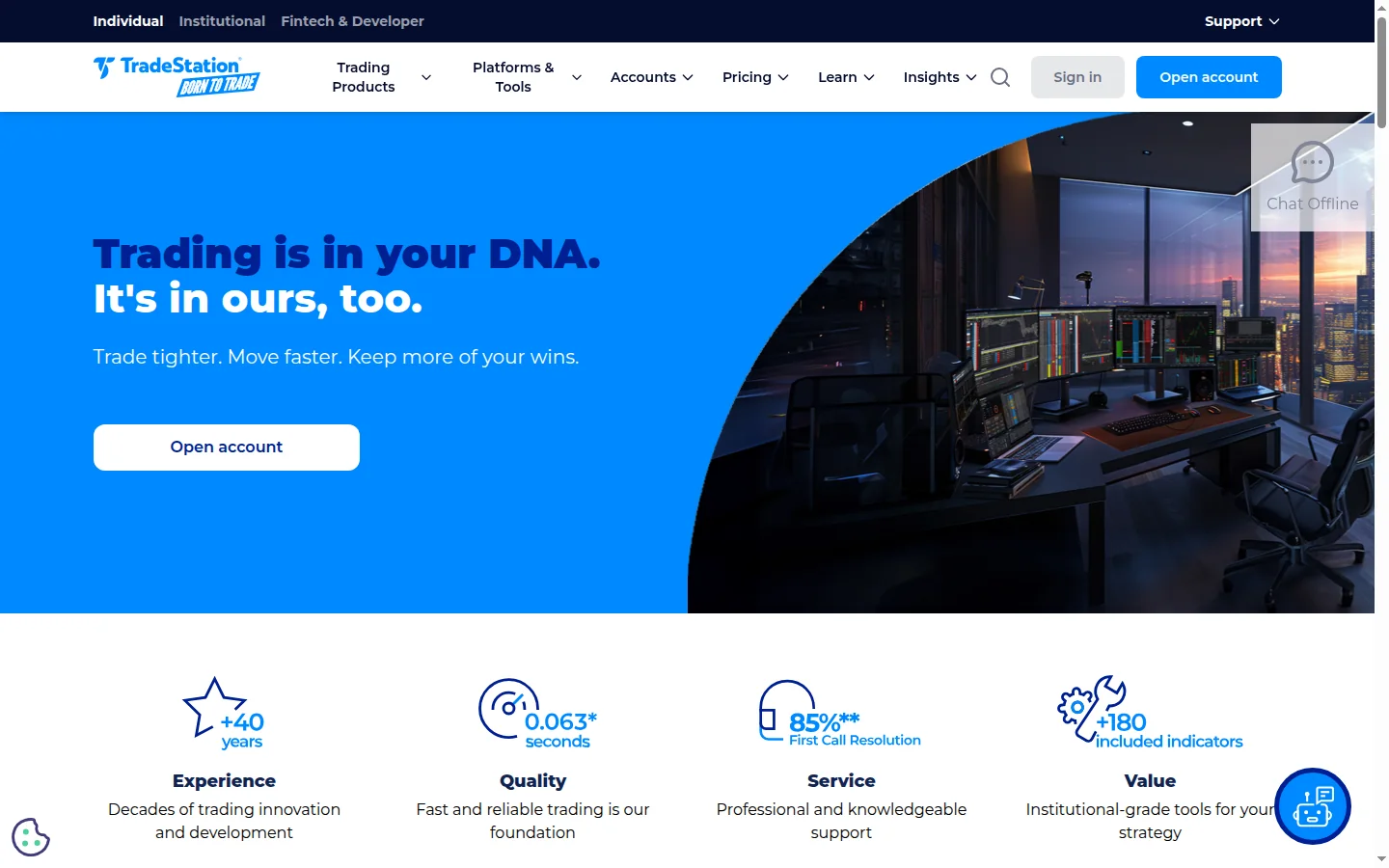
TradeStation's desktop charting is the reason the platform still matters. The Desktop page advertises advanced charts, in-depth statistics, multi-monitor layouts, RadarScreen scanning across up to 1,000 symbols, and more than 180 customizable technical and fundamental indicators. That is a real analyst's toolkit, especially for traders who want multiple linked charts, scans, custom indicators, and order windows running together.
The trade-off is that the interface is built like a workstation rather than a consumer web app. A chart-first trader coming from TradingView will find more machinery, more windows, and more configuration. A systematic or discretionary desk trader will see the point quickly: the platform rewards setup time.
Order execution and order flow
TradeStation's order-entry core is stronger than a normal broker web ticket. The desktop product includes one-click and drag-and-drop trading, the Matrix depth window, options-chain tools, and broker execution from the same environment. Matrix is TradeStation's depth-of-market and order-tracking window, functionally the place where an active trader watches bids and offers and manages entry and exit orders.
For futures, the platform gives you bracket-style workflow, stops, targets, and fast order modification in a broker-owned environment. It lacks the retail prop-trader ubiquity of NinjaTrader's SuperDOM, but it is a serious execution surface for a self-funded account. TradeStation also publishes an order-execution-quality page whose search-result summary emphasizes millisecond execution, price improvement, and quality execution, though the live page was bot-challenged during this research run.
Automation and backtesting
Automation is one of TradeStation's genuine advantages. EasyLanguage is its proprietary scripting language, designed to read closer to trading English than a general-purpose language. TradeStation says it lets traders design, create, test, customize, automate, and backtest indicators and strategies, and the developer site adds that the TradeStation API supports multi-asset trading, advanced order routing and management, direct market access, streaming real-time data, and historical market data.
The honest caveat is backtest realism. A platform backtest is only as good as its data, assumptions, order modeling, slippage, commission settings, and how closely the test matches live routing. TradeStation gives a capable research environment, including portfolio-level backtesting through Portfolio Maestro, but traders still need to model fills conservatively and forward-test before trusting an automated strategy with size.
Data, feeds, and connectivity
TradeStation is a vertically integrated broker platform rather than a neutral shell into every popular futures connection. Its market-data pricing page says TradeStation delivers real-time and delayed index, equity, equity options, futures, futures options, crypto, forex, fundamental, and news data feeds, with fees subject to professional status and exchange rules. The developer site says the API includes streaming real-time and historical market data.
That integration is convenient if you trade through TradeStation Securities. It is less convenient if you want to bring a funded-account Rithmic or CQG login from a retail prop firm. For prop-firm traders, the firm usually supplies the connection and data entitlement; that is exactly where TradeStation loses relevance against platforms built around Rithmic, CQG, Tradovate, or NinjaTrader connections.
Pricing decoded
The pricing page also says commission tiers are based on monthly volume by asset class, so options volume, equities volume, and futures volume are evaluated separately.
There is no NinjaTrader-style lifetime license break-even to calculate for normal TradeStation brokerage use because the platform is tied to the brokerage account rather than sold as a standalone lifetime futures license. There is, however, a separate TradeStation Analytics subscription for users who want the premium desktop analysis tools without a brokerage account; the public page I reached described the subscription but did not show the monthly subscription price in the captured text, so the price is not stated here.
A worked futures example is still useful. If a new trader places 400 micro futures round turns during the limited-time offer, that is 800 contract sides. At $0.25 per micro side, the illustrative TradeStation commission component is $200 before exchange, regulatory, clearing, platform, routing, and market-data charges. If the same trader is using a prop-firm platform where data and platform are bundled into the evaluation fee, the broker commission comparison is incomplete because the cost stack is structurally different.
Market data is the line item to watch. TradeStation's market-data page says fees may depend on professional subscriber status and exchange rules, and futures traders usually care about CME Group exchange data. The practical budget question is not just the commission line; it is commission, exchange fees, regulatory fees, data, account status, and whether the platform is usable for the account you actually trade.
Prop-firm compatibility
For retail futures prop-firm use, TradeStation is a poor fit. It has an institutional page for proprietary trading firms and prop desks, but that is a different market from evaluation-account firms listed in prop-firm reviews. In the funded-trader ecosystem, firms such as Apex Trader Funding, Topstep, MyFundedFutures, and Earn2Trade generally steer traders toward NinjaTrader, Tradovate, Rithmic, CQG, TradingView-supported routes, or firm dashboards rather than native TradeStation desktop logins.
That distinction matters. A platform can be strong software and still fail the prop-firm gate. If your account credentials come from the prop firm, the platform choice is whatever that firm supports. TradeStation belongs on the comparison page as a capable broker platform, but a funded futures trader should verify compatibility before building a workflow around it.
Mobile and cross-device
TradeStation's mobile app gives the ecosystem credible cross-device coverage. App-store snippets describe stocks, ETFs, options, and futures trading, real-time streaming quotes, alerts, and analysis from iOS and Android. That is useful for monitoring, closing risk, checking positions, and placing conventional orders away from the desk.
Mobile is still secondary for the kind of active futures trader who lives inside a depth ladder, linked charts, and hotkeys. The desktop remains the main workstation. Mobile is a companion, not a replacement for a configured futures execution setup.
Should you run it on a VPS
A Windows desktop platform plus an active futures or automation workflow is a normal VPS use case. If you run EasyLanguage strategies, maintain market-data sessions, or need the platform available while your local machine sleeps, a Windows VPS near the broker or exchange infrastructure can make sense. For casual charting or mobile monitoring, it is unnecessary; for a systematic desktop setup, compare options in VPS reviews.
Who it suits
TradeStation is for the self-funded active trader who wants a mature broker platform with real desktop depth, serious charting, futures and options access, and approachable automation. It is also for the trader who wants one account, one data environment, and one API rather than stitching together charting, brokerage, order entry, and scripts from separate vendors.
It is a poor first choice for a retail futures prop-firm trader whose firm does not support it. It is also a poor fit for Mac and Linux users who refuse Windows, for beginners who want the simplest possible interface, and for broker-neutral traders who want to move the same platform freely across many FCMs and data feeds.
Our verdict
TradeStation deserves respect. It is a deep, mature, full-suite trading platform with strong desktop charting, capable order entry, EasyLanguage automation, mobile coverage, and a real broker behind it. Against the specific BullTraders lens, its weakness is decisive: the platform is not a standard retail futures prop-firm route. For a self-funded active trader, it is a serious workstation; for a funded-account futures trader, it is usually a platform to admire from the wrong side of the login screen.
FAQ
Q: Is TradeStation good for futures trading?
A: Yes, for a self-funded brokerage account. It supports futures trading, Matrix depth workflow, charting, automation, and futures market data. It is much less useful if your futures account is a retail prop-firm evaluation that does not support TradeStation.
Q: Does TradeStation work with prop firms?
A: TradeStation has institutional services for proprietary trading firms and prop desks, but major retail futures evaluation firms generally do not provide native TradeStation desktop logins. Check the specific firm before assuming compatibility.
Q: Is TradeStation available on Mac?
A: The serious desktop platform is Windows-based. Mac users can use web and mobile access, or run Windows through virtualization, a remote desktop, or a VPS if they need the full desktop platform.
Q: What is EasyLanguage?
A: EasyLanguage is TradeStation's proprietary scripting language for custom indicators, strategies, automation, and backtesting. It is designed for traders and reads more simply than many general-purpose programming languages.
Q: What does TradeStation cost for futures traders?
Futures traders also need to account for exchange, regulatory, clearing, routing, and market-data charges.
Q: Is TradeStation better than NinjaTrader for funded futures traders?
A: For funded futures traders, NinjaTrader is usually the safer compatibility bet because it is widely supported by retail futures prop firms. TradeStation can be the better self-funded broker workstation if you value its integrated brokerage, charting, and EasyLanguage workflow.
Provider documentation
TradeStation official website contains the provider's product pages and legal terms. Match the account, plan and country before applying a rule or advertised price.
Provider pricing
TradeStation pricing and available products should be checked for the exact account or hosting configuration. Compare the full charge, billing period and optional services before purchase.