


Tradovate
Tradovate is a cloud futures broker and platform built for active futures traders who value web access, mobile backup, and prop-firm compatibility.
Review text updated September 13, 2026
Review method: published documents. Text updates are separate from the dated profile evidence; current features and account terms have not all been reverified.
Scores
Overall3.8/ 5
- Charting3.7 / 5
- Execution4.1 / 5
- Ease of use4.2 / 5
- Mobile4.0 / 5
- Automation3.1 / 5
- Data quality3.6 / 5
- Value3.8 / 5
- Support3.4 / 5
Pros
- Cloud futures platform with web, Windows, Mac, iPhone, iPad, and Android access.
- Strong futures execution feature set, including DOM, one-click order entry, OCO brackets, server-side multi-brackets, sweep limit orders, and hotkeys.
- Free plan is usable, while higher commission tiers let active traders buy down per-contract costs.
- TradingView, Jigsaw, Collective2, and other third-party integrations expand the workflow beyond the native interface.
- Broad prop-firm relevance through Tradovate Prop and firms such as Take Profit Trader, Tradeify, TradeDay, Lucid Trading, FundedNext Futures, Alpha Futures, and others.
Cons
- Futures-first broker platform, so stock, forex, and crypto spot traders need another venue.
- Free plan carries materially higher per-side commissions than the monthly and lifetime plans.
- Exchange, clearing, NFA, and market-data fees still apply, so the headline price understates the real trading cost.
- Automation is API-oriented and less polished for retail strategy development than mature script-first platforms.
- Public community sentiment includes repeated complaints about outages, lag, slippage, and support outcomes.
What is Tradovate
Tradovate is a cloud-based futures brokerage and trading platform now operated within NinjaTrader Group. NinjaTrader Group announced the acquisition of Tradovate Holdings in 2022, and the current Tradovate footer identifies the brand as part of NinjaTrader Group, with Tradovate providing brokerage services. Launched in 2016, it is best understood as a futures broker platform built around web, desktop, and mobile access rather than a pure charting package.
At a glance
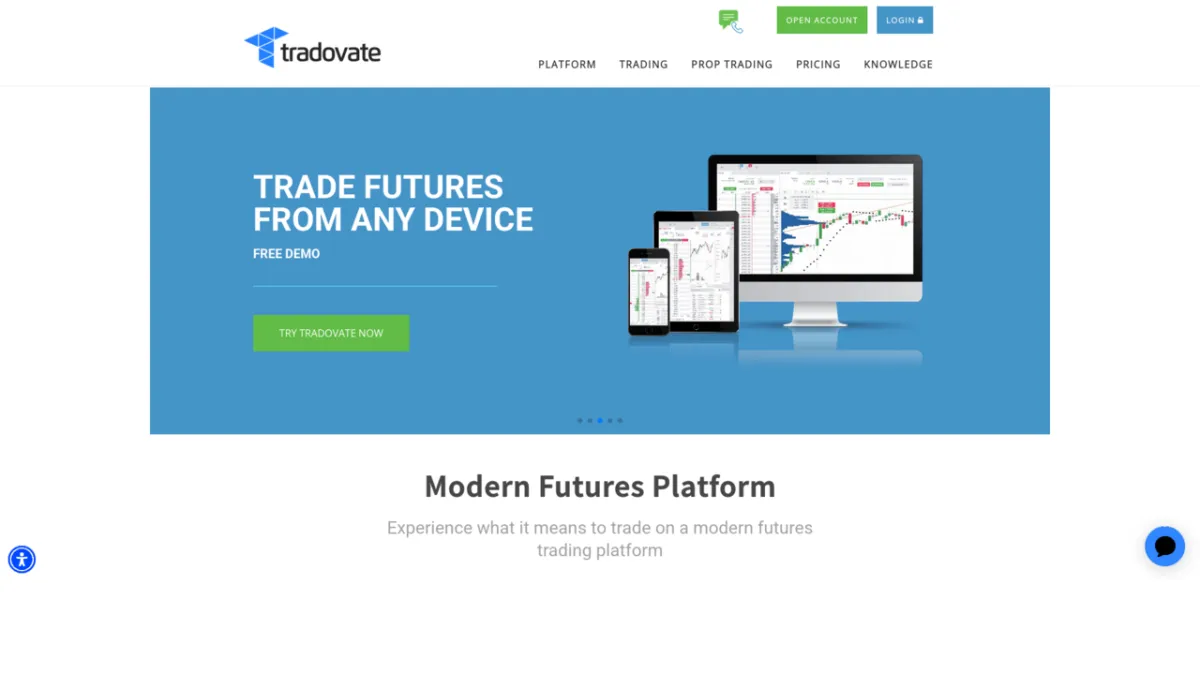
Tradovate is one of the cleanest fits in this collection for an active futures prop trader who wants to trade from a browser, Mac, phone, or lightweight desktop setup. Its execution tools cover the essentials: depth of market, one-click order entry, bracket orders, OCO logic, hotkeys, replay, and cross-device sync.
Markets, instruments, and who can use it
Tradovate is for futures, futures options, digital asset futures, and event contracts, with exchange connectivity shown for CME, ICE, Eurex, Coinbase Derivatives, and MIAX. It is not a stock, spot forex, or crypto spot broker. The access story is strong: Tradovate advertises Windows and Mac downloads, browser login through Chrome and other browsers, plus iPad, iPhone, and Android apps. That makes it useful for the trader who wants a Mac-friendly futures workflow, and less compelling for someone building a deep Windows workstation around Sierra Chart, Bookmap, or a custom execution stack.
Charting and analysis
Tradovate's native charting is good enough for most futures day traders: multiple layouts, indicators, drawing tools, market replay, Order Flow +, TPO Profile Charts, and the ability to integrate third-party tools. The pricing page also says every plan includes powerful charts, custom indicators, and automated trading strategies from the community. The limitation is depth. A serious order-flow analyst can work in Tradovate, especially with partner tools, but the native charting environment does not feel as deep as a specialist platform built for custom studies, tick-level research, and highly customized footprint layouts.
Order execution and order flow
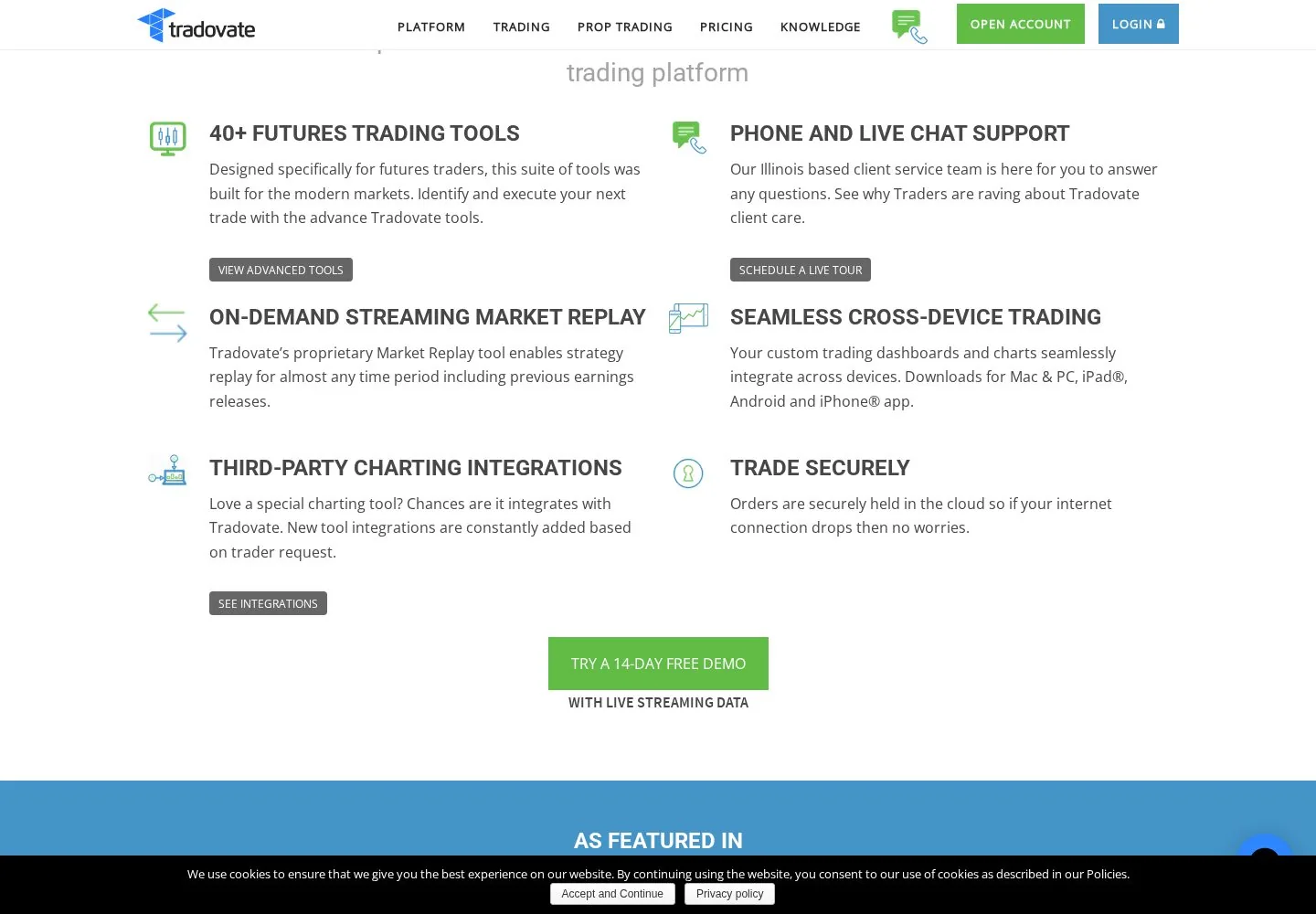
This is Tradovate's core case. The DOM, or depth of market ladder, shows the exchange order book and lets a trader place orders directly from the price ladder. Tradovate says its DOM supports one-click order entry, a volume histogram, bracket orders using OCO logic, sweep limit orders, server-side multi-brackets with multiple targets and stops, quote linking, and configurable hotkeys. Bracket and OCO means a target and stop can be linked so one side cancels the other when filled.
Server-side brackets matter because they reduce dependence on a local machine staying connected. For an active futures prop trader, that is the right feature list. The caution is that feature presence and live reliability are separate things, and public threads include enough complaints about order changes, lag, and slippage to justify testing it in simulation and with small size before relying on it in fast markets.
Automation and backtesting
Tradovate offers a Partner API with REST and WebSocket connectivity, and its WebSocket documentation describes real-time streams for user data, positions, order status changes, and risk alerts. That makes it usable for developers who want to build dashboards, order tools, copy-trading logic, or execution integrations. It is less attractive as a retail strategy-development lab. There is no widely adopted, platform-native scripting ecosystem comparable to NinjaScript in NinjaTrader, Pine Script in TradingView, or EasyLanguage in TradeStation. Market Replay is useful for manual practice and scenario replay, and the API is useful for custom development, but a trader looking for a mature built-in backtester with detailed fill modelling should treat Tradovate as an execution venue first.
Data, feeds, and connectivity
Tradovate advertises exchange connectivity to CME, ICE, Eurex, Coinbase Derivatives, and MIAX, and its support snippets state that top-of-book data is enough for chart or standard order-ticket users while market-depth data is required for the DOM. The pricing page is explicit that exchange, clearing, and NFA fees apply. For prop traders, the cost picture changes because the prop firm often provides the login, connection, data entitlements, and trading environment. Tradovate's own integration page lists TradingView, Jigsaw, and Collective2 as premium partners and says accounts and orders can sync across tools and screens. Community threads still raise questions about data source, market-by-order depth, and slippage, so traders who depend on advanced order-flow data should verify the exact feed supplied by their broker or prop firm rather than assuming parity with Rithmic or CQG.
Pricing decoded
The headline entry point is Free. Tradovate's own pricing page lists three plans: Free, Monthly, and Lifetime. Exchange, clearing, and NFA fees still apply, and market-data fees are a separate line item when the trader needs paid exchange data.
Here is the practical break-even. Suppose a trader trades standard futures for 500 round turns per month. A round turn has two sides, so that is 1,000 charged sides. The Free plan platform commission would be 1,000 times $1.29, or $1,290 before exchange, clearing, NFA, and data fees. Monthly would be the $99 subscription plus 1,000 times $0.99, or $1,089 before the same pass-through fees. In that illustrative case, Monthly saves $201 per month versus Free. Lifetime would be 1,000 times $0.59, or $590 before pass-through fees. Against Free, Lifetime saves $700 per month on platform commission, so the $1,499 license breaks even a little after two months at that volume. For a low-volume micro trader, the break-even takes longer. For a high-volume standard-futures scalper, the Free tier can become expensive quickly.
Prop-firm compatibility
Tradovate is prop-firm compatible and now has a dedicated Tradovate Prop site. The Tradovate Prop page says the platform stays with traders when they add or switch prop firms and lists firms offering Tradovate Prop, including Take Profit Trader, Tradeify, Funded Futures Family, BluSky Trading Company, TradeDay, Lucid Trading, FundedNext Futures, Alpha Futures, Top One Futures, Legends Trading, and The Trading Pit, with more listed further down the page. For BullTraders readers, this is a decisive gate: start from prop-firm reviews and then check the relevant firm review, such as Take Profit Trader, TradeDay, or FundedNext, because the firm may route you through its dashboard, its chosen data entitlement, or a dedicated Tradovate Prop connection. The platform name alone does not guarantee identical data, fees, rules, or account management across firms.
Mobile and cross-device
Mobile is one of Tradovate's real advantages. The site says custom dashboards and charts sync across devices and lists Mac, PC, iPad, Android, and iPhone access. For a desk-bound futures scalper, mobile should be treated as a backup and monitoring surface rather than the primary execution cockpit. For a funded-account trader, that backup matters: if the desktop session drops, a phone login can be the fastest way to flatten or check exposure. The mobile app will not replace a multi-monitor order-flow layout, but it makes Tradovate much more flexible than a platform tied to one Windows machine.
Should you run it on a VPS
Tradovate's cloud and browser design reduces the classic need for a VPS, especially compared with a Windows-only desktop platform. A VPS still makes sense if you run third-party automation, a copier, or a separate charting package that must stay online around the session. If your Tradovate use is manual execution through web or mobile, the better first step is redundant internet and a phone backup. For hosted setups and latency-sensitive trade management, see VPS reviews.
Who it suits
Tradovate fits the budget futures trader who wants a usable free entry point, the prop-firm trader who needs Tradovate compatibility, and the Mac or browser-first trader who dislikes being locked to a Windows desktop. It also suits traders who use TradingView for charting and want broker integration. It is a weaker fit for stock, spot forex, and crypto spot traders, because the product is futures-centered. It is also a weaker fit for developers who want a polished built-in backtesting language, and for order-flow purists who require full control over feed choice, tick research, and specialist chart construction.
Our verdict
Tradovate earns its place because it solves a real futures-trader problem: it gives active traders a modern, cross-device execution platform with credible DOM tools and unusually broad prop-firm relevance. The pricing is honest once you read beyond the headline, because the free tier is easy to start with and expensive for higher volume, while the paid tiers only make sense when contract volume justifies them. The gating facts are clear. It is futures-first, cloud-first, and prop-friendly. It is also surrounded by enough public reliability complaints that disciplined traders should test live behaviour, keep backup access, and avoid treating convenience as a substitute for risk control.
FAQ
Q: Is Tradovate only for futures?
A: Tradovate is built around futures, futures options, digital asset futures, and event contracts. Traders looking for stocks, spot forex, or spot crypto should use a different broker.
Q: Does Tradovate work on Mac?
A: Yes. Tradovate advertises Mac and Windows downloads, browser access through Chrome and other browsers, plus iPhone, iPad, and Android apps.
Q: Is Tradovate free?
A: The entry plan is Free, with no monthly platform fee. Commission rates are higher on that plan, and exchange, clearing, NFA, and market-data fees can still apply.
Q: Which prop firms support Tradovate?
A: Tradovate Prop lists firms including Take Profit Trader, Tradeify, TradeDay, Lucid Trading, FundedNext Futures, Alpha Futures, Top One Futures, Legends Trading, The Trading Pit, and others. Always verify the exact firm account type before buying an evaluation.
Q: Can I automate trading on Tradovate?
A: Yes, through Tradovate's API and WebSocket infrastructure. It is more developer-oriented than beginner-friendly, and the platform is less of a built-in backtesting lab than NinjaTrader or TradeStation.
Q: Is Tradovate reliable enough for scalping?
A: It has the right execution tools for futures scalping, including DOM trading and server-side brackets. Community complaints about downtime, lag, and slippage mean scalpers should test it carefully, use protective orders, and keep a backup login route.
Provider documentation
Tradovate official website contains the provider's product pages and legal terms. Match the account, plan and country before applying a rule or advertised price.
Provider pricing
Tradovate pricing and available products should be checked for the exact account or hosting configuration. Compare the full charge, billing period and optional services before purchase.