


MetaTrader 5
MetaTrader 5 is a free multi-asset trading terminal with strong automation, broad broker support and a dated workflow for active futures traders.
Review text updated September 13, 2026
Review method: published documents. Text updates are separate from the dated profile evidence; current features and account terms have not all been reverified.
Scores
Overall3.6/ 5
- Charting3.8 / 5
- Execution3.4 / 5
- Ease of use2.7 / 5
- Mobile4.0 / 5
- Automation4.3 / 5
- Data quality3.0 / 5
- Value4.2 / 5
- Support3.4 / 5
Pros
- Free to download and use, with platform costs usually absorbed into the broker or prop-firm relationship
- Strong algorithmic-trading stack through MQL5, Expert Advisors, Strategy Tester, Code Base, Market and Freelance
- Broad device support across Windows, macOS package, Linux instructions, web terminal, iOS and Android
- Supports forex, stocks, futures and exchange-style netting as well as forex-style hedging
- Large third-party community and add-on ecosystem
Cons
- Execution and data quality depend heavily on the connected broker or prop-firm server
- Desktop workflow feels dated, especially for traders coming from TradingView, Sierra Chart or NinjaTrader
- Limited fit for active US futures prop traders who need advanced footprint, volume profile and professional DOM workflows
- Paid robots, signals, marketplace indicators and VPS hosting can turn a free terminal into a paid ecosystem
What is MetaTrader 5
MetaTrader 5 is MetaQuotes' multi-asset trading platform for forex, stocks, futures and exchange markets. MetaQuotes says the company was established in 2000 and that MT5 was officially released in 2010 as its newer multi-asset successor to MT4. It is a full-suite trading terminal: charting, order entry, broker connectivity, MQL5 automation, strategy testing, copy trading, marketplace add-ons and mobile access live inside one ecosystem.
At a glance
MetaTrader 5 is powerful, free and everywhere in the forex and CFD prop-firm world. For an active futures prop trader, the verdict is more conditional: it can trade futures where a broker or firm supports it, yet the workflow is weaker than futures-native platforms built around DOM, order flow and exchange data. The best reason to use MT5 is automation and broker availability, rather than a specialist futures execution desk.
Markets, instruments, and who can use it
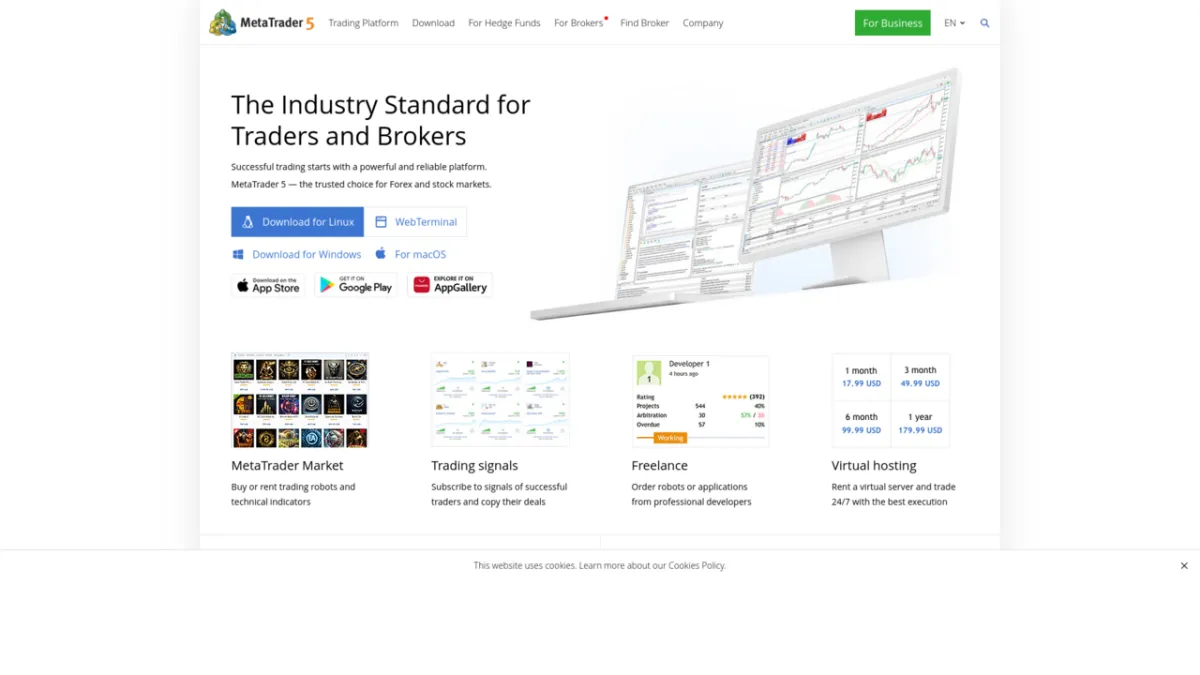
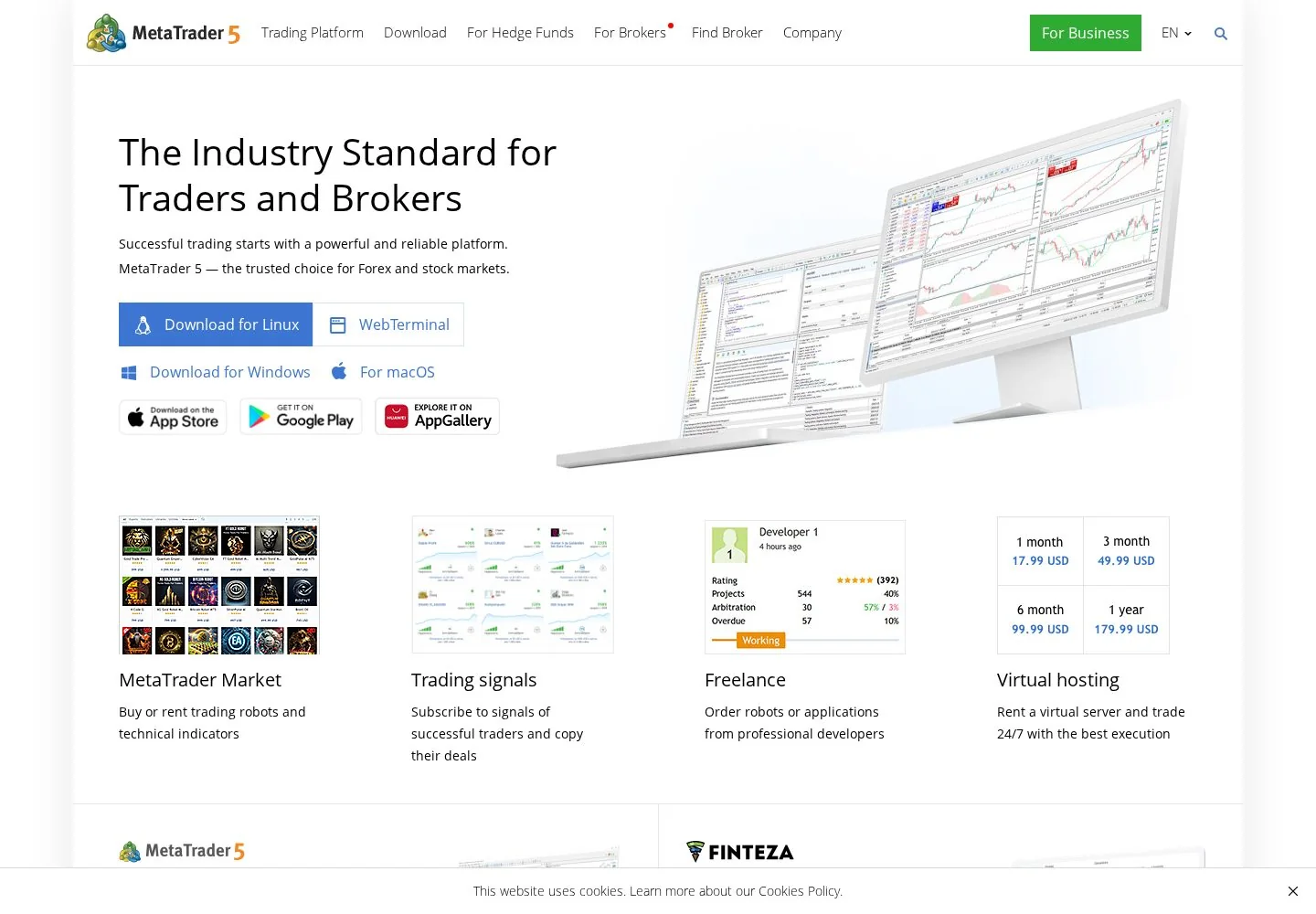
MetaQuotes describes MT5 as a platform for forex, stocks and futures, with web access for forex, stocks, cryptocurrencies and futures depending on the broker connection. Device support is unusually broad: Windows desktop, a macOS package, Linux guidance, WebTerminal, iPhone, iPad and Android. The important gate is broker support. MT5 itself is only the terminal; instruments, symbols, margin, market data and execution are supplied by the broker or prop firm. If you trade CME futures through a US-style prop evaluation, expect NinjaTrader, Tradovate, Rithmic-based tools, Quantower or Sierra Chart to appear more often than MT5.
Charting and analysis
MT5 charting is deep by conventional broker-platform standards. The desktop platform supports 21 timeframes, line, bar and candlestick charts, templates, profiles, manual scaling and more than 80 built-in indicators and graphical objects. That is enough for most forex, CFD and index traders who work with price action, indicators and multi-chart layouts. The weak point is feel. Compared with TradingView's web-native charting or Sierra Chart's specialist futures analytics, MT5 can feel utilitarian and old. Serious analysts can get work done, especially with custom indicators, but the platform rarely feels elegant.
Order execution and order flow
MT5 gives traders the standard execution tools they need: Market Depth, one-click trading, chart trading, hot-key order placement, market orders, pending orders, stop orders and trailing stops. Market Depth means a ladder-style view of available bid and ask liquidity, while one-click trading sends an order directly from the chart or depth panel after the trader has enabled that mode. The platform supports netting, common on exchange markets where one symbol has one net position, and hedging, common in forex where multiple long and short positions can exist on the same symbol. This is competent order entry, yet it is not the same as a futures-native SuperDOM, footprint and order-flow workstation. For scalp-heavy futures work, MT5 is serviceable where the broker feed is good; it is rarely the first-choice execution cockpit.
Automation and backtesting
Automation is MT5's strongest lane. Expert Advisors are trading robots written in MQL5, a C++-like language built into the platform's own development environment. MetaQuotes says MQL5 IDE covers the full cycle: create, debug, test, optimize and run robots. The Strategy Tester supports visual testing, optimization, genetic algorithms and distributed testing agents. That is a serious built-in stack, especially for forex and CFD automation. The honest caveat is data realism. Backtests are only as trustworthy as the broker history, tick model, spreads, commission assumptions and execution assumptions behind them. Community discussions around MT5 often circle back to this: the tester is useful, but a pretty equity curve is not proof that a robot will survive live broker conditions.
Data, feeds, and connectivity
MT5 data is broker-centered. The terminal does not create an independent institutional data feed; it displays the symbols and history supplied by the connected broker or prop-firm server. That is convenient because setup is simple, and it is risky because two MT5 users can see different symbol sets, candles, spreads or execution quality. Trustpilot complaints about missing candles and mismatched chart data fit this broker-server reality, although those complaints do not always identify whether the fault was MetaQuotes, the broker or a third-party feed. For a prop trader, the firm often supplies the login, server and data connection, so the cost math and quality control sit with the firm as much as with MT5.
Pricing decoded
The headline MT5 starting price is Free, which matches MetaQuotes' own download page. The platform itself has no NinjaTrader-style lease or lifetime license for the retail trader. That does not make the whole setup free. Broker spreads, commissions, swaps, exchange fees, prop-firm challenge fees, paid indicators, paid Expert Advisors, signal subscriptions and VPS hosting can all sit around the terminal.
That is optional, mainly relevant for robots and copy trading that need to run continuously.
Worked break-even example: assume Trader A uses MT5 through a prop firm and pays no separate platform license. Trader B also uses MT5, adds a one-month MetaTrader VPS at 15 USD, and buys a marketplace indicator for an illustrative 49 USD. The terminal still costs Free, but Trader B's first-month ecosystem cost is 64 USD before broker spreads, commissions or firm fees. There is no license break-even month against a lifetime MT5 license because retail MT5 has no published lifetime platform license. The break-even question is therefore practical: does the robot, signal, VPS or indicator improve execution enough to justify its own line item?
Prop-firm compatibility
MT5 is compatible with many forex and CFD prop firms, and it appears less central in futures-specific evaluations within the broader prop-firm catalogue. FTMO publicly markets MetaTrader 5 as one of its trading platforms; see our FTMO review at FTMO. The5ers publishes MT5 downloads and tools for its traders; see The5ers. FundedNext's platform materials mention MT4, MT5, cTrader and futures platforms such as Tradovate; see FundedNext.
The practical distinction is direct connection. In most MT5 prop accounts, the firm issues a login, password and server name, and the trader connects through the MT5 terminal or web terminal. For futures-specific firms, the route often runs through the firm's dashboard and a futures platform such as Tradovate or a Rithmic-connected tool. MT5 compatibility should therefore be checked at account purchase, because the same firm may separate CFD challenges from futures challenges.
Mobile and cross-device
MT5 mobile is stronger than many legacy desktop platforms. The iOS and Android apps support account monitoring, trading, history, Market Depth, orders, indicators and analytical objects. The web terminal adds browser access on Windows, macOS, Linux and mobile browsers with real and demo accounts, one-click trading, depth and a smaller indicator set. The gap is parity. Mobile is good for monitoring, closing risk, basic charting and placing straightforward orders. It is not where most serious futures scalpers should manage fast DOM work or automated systems.
Should you run it on a VPS
Yes, if you run Expert Advisors, signal copying or a funded account that needs uninterrupted connectivity. A desktop terminal plus automated trading is the classic VPS case: the weak link is the home machine, power, Wi-Fi and local operating system updates. MetaQuotes sells integrated VPS hosting, and third-party trading VPS providers can also work. Start from the VPS reviews if the account is funded, automated or latency-sensitive.
Who it suits
MT5 is for forex, CFD and broker-connected traders who want a free terminal, broad prop-firm availability and serious automation without paying a separate platform license. It also suits traders who already have an MQL5 Expert Advisor, signal workflow or broker login.
Active futures traders should be selective. If your edge depends on footprint charts, cumulative delta, professional DOM ergonomics, detailed exchange data control and Rithmic or CQG workflows, a futures-native platform is a cleaner fit. Mac and Linux users can use web access and platform packages or guidance, although the deepest desktop ecosystem still feels Windows-first.
Our verdict
MetaTrader 5 earns respect because it solved a real distribution problem: millions of traders can log into a broker, chart, place orders and automate strategies without buying a separate terminal. Its strengths are breadth, automation and availability. Its costs are broker dependence, dated usability and a futures workflow that feels secondary compared with specialist tools. For BullTraders readers, MT5 is a strong candidate when the prop firm is forex or CFD-led and the strategy uses Expert Advisors. For an active futures prop trader, it is a compatibility option rather than the benchmark platform.
FAQ
Is MetaTrader 5 free?
Yes. MetaQuotes markets the desktop, web and mobile terminal as free for traders. The surrounding costs come from brokers, spreads, commissions, prop-firm fees, paid indicators, robots, signals and optional VPS hosting.
Can MetaTrader 5 trade futures?
Yes, MT5 supports futures where the connected broker or prop firm offers futures symbols through its server. The existence of a futures feature does not guarantee that your preferred futures prop firm supports MT5.
Is MT5 better than MT4?
MT5 is the newer, multi-asset platform with exchange-market support, netting, more timeframes and the MQL5 environment. MT4 remains common in legacy forex accounts, while MT5 is the more modern terminal for new multi-asset broker setups.
Is MT5 good for automated trading?
Yes. MQL5, Expert Advisors, Strategy Tester, Code Base, Market, Freelance and VPS hosting make automation the platform's clearest strength. Live results still depend on broker data, spreads, slippage and execution assumptions.
Does MT5 work on Mac and mobile?
Yes. MetaQuotes offers Windows download links, a macOS package, Linux guidance, WebTerminal access, iOS and Android apps. The web and mobile versions are useful, while the deepest custom-indicator and EA workflow remains centered on the desktop terminal.
Which prop firms support MT5?
Forex and CFD prop firms are the natural MT5 lane. FTMO, The5ers and FundedNext all have public MT5-related materials. Futures-focused accounts may use different platforms, so check the exact challenge type before buying.
Provider documentation
MetaTrader 5 official website contains the provider's product pages and legal terms. Match the account, plan and country before applying a rule or advertised price.
Provider pricing
MetaTrader 5 pricing and available products should be checked for the exact account or hosting configuration. Compare the full charge, billing period and optional services before purchase.