
Trading Computer Setup: What You Actually Need
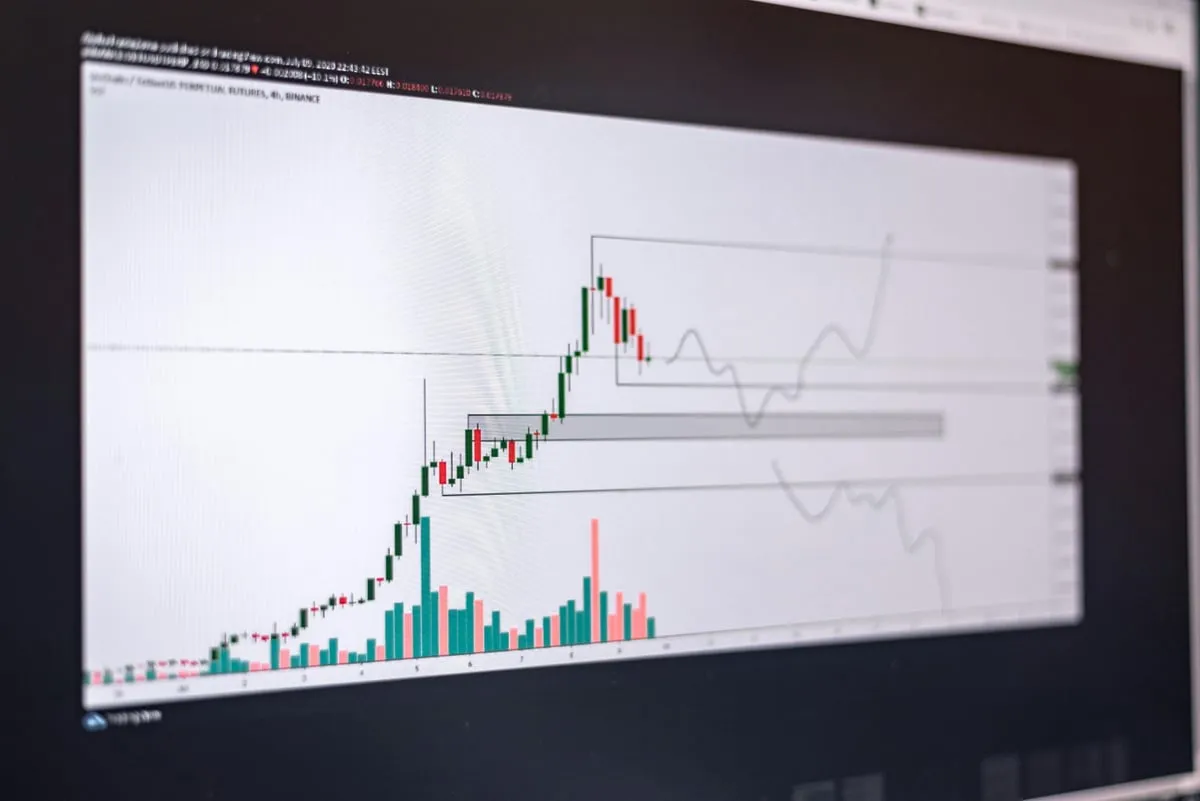
A solid trading computer setup needs a modern quad-core processor, 16GB of RAM, an SSD for storage, and a GPU that supports multiple displays. You do not need a $5,000 gaming rig to trade effectively. A $700 to $1,200 desktop handles everything most traders throw at it, including multiple charts, scanners, and a broker platform running simultaneously.
CPU: The Brain of Your Setup
Your processor matters more than almost anything else for trading. Platforms like Thinkorswim, NinjaTrader, and TradingView all lean heavily on CPU performance, especially when loading historical data or running backtesting scripts.
A modern Intel Core i5 (12th gen or newer) or AMD Ryzen 5 is plenty for most traders. If you run heavy scanning software, multiple platform instances, or automated strategies, step up to an i7 or Ryzen 7 for the extra cores.
Avoid going below a quad-core processor. Dual-core machines will choke when you have your charting platform, broker, scanner, news feed, and browser all running at market open.
RAM: 16GB Is the Sweet Spot
For a computer for day trading, 16GB of RAM covers nearly every scenario. Your charting platform might use 2 to 4GB on its own, your browser with multiple tabs eats another 2 to 4GB, and the operating system needs its share too.
32GB gives you breathing room if you run multiple trading platforms simultaneously or keep dozens of chart tabs open. It also future-proofs your build for a couple of years.
8GB is technically functional but will leave you watching loading spinners during the busiest market moments, exactly when you need speed most.
Storage: SSD Is Non-Negotiable
An SSD (solid state drive) is the single biggest performance upgrade if you are coming from an older computer. Boot times drop from minutes to seconds, platforms launch instantly, and historical data loads dramatically faster.
A 500GB NVMe SSD is the minimum. They cost around $40 to $60 and deliver read speeds 5 to 10 times faster than traditional hard drives. If you record your screen for trade reviews, add a secondary 1TB drive for video storage.
GPU: Keep It Simple
Unless you are running six or more monitors, your GPU needs are modest. A mid-range card like the NVIDIA GTX 1650 or AMD RX 6500 handles four displays without breaking a sweat.
The main thing to check is display output count. Make sure your GPU has enough HDMI or DisplayPort connections for your monitor setup. Most modern cards support three to four outputs natively.
Integrated graphics on newer Intel or AMD processors can drive two monitors and work fine if you are just starting out with a simple setup.
Internet: Speed and Stability
A reliable internet connection matters more than raw speed for trading. You need low latency and consistent uptime, not necessarily gigabit downloads.
A wired Ethernet connection is strongly recommended over WiFi. It eliminates the random disconnects and latency spikes that wireless connections experience. A 25Mbps connection with stable ping is better than 500Mbps WiFi that drops packets.
Consider a backup mobile hotspot for emergencies. If your internet goes down mid-trade, you need a way to close your positions quickly. Many traders keep a phone hotspot ready as insurance.
Key Takeaways
- A quad-core i5/Ryzen 5, 16GB RAM, and a 500GB SSD form the foundation of a solid trading PC
- You do not need a $5,000 machine; $700 to $1,200 covers most traders’ needs
- SSD storage is the single biggest performance upgrade for an older system
- Wired Ethernet beats WiFi for trading reliability every time
- Match your GPU to your monitor count, not to gaming benchmarks
Frequently Asked Questions
Can I use a laptop for day trading? Yes, especially modern laptops with dedicated GPUs. You can connect external monitors through a USB-C dock or Thunderbolt hub. A desktop gives you more upgrade flexibility, but a laptop works fine for most strategies.
Should I build or buy a trading PC? Building saves $200 to $400 and lets you pick exact components. Buying a pre-built saves time and comes with a warranty. Either works; the specs matter more than how the machine was assembled.
Do I need a VPS instead of a local computer? A VPS is useful if you run automated strategies 24/7 or need guaranteed uptime. For discretionary day trading, a local computer with a good internet connection is simpler and more responsive.
Risk Disclaimer: Trading involves substantial risk of loss. Past performance is not indicative of future results. See our full risk disclaimer.