
ATAS Review
How the score is made
Execution3.5
Orders go through your own broker or exchange via connections such as Rithmic, CQG, Interactive Brokers and crypto exchanges; the pricing table marks order management on real accounts "Only for Crypto" on Start and Plus and "All supported exchanges" on Pro and Ultra; where a connection lacks server-side OCO or stops, they run only on the software side.
Value3.3
Start is free, and the pricing page bills Plus, Pro and Ultra for 1 month, 3 months or 1 year or as a Lifetime licence, but real-time futures data needs Pro or Ultra, Start and Plus allow 3 and 6 indicators per chart, and market data is connected separately.
Charting4.1
Line, candlestick and footprint charts with 400+ footprint configurations, 14 timeframe types and market profiles, plus over 240 indicators, a heatmap, Smart DOM and Smart Tape; Start has basic indicators and standard timeframes only, and a chart holds at most 3 indicators on Start, 6 on Plus and 12 on Pro.
Automation3.5
The API page puts the Script Editor, for indicators in ATAS Script (close to Pine Script v4 to v6) or C#, on all plans except Start, and AI Connect and extended C# API modules, connectors and DOM columns on Ultra only; Market Replay, which the pricing table gives to Plus, Pro and Ultra but not to Start, serves to backtest strategies.
Data quality3.4
Market data is connected separately: dxFeed, IQFeed and Tai-Pan supply Level I and deep Level II data, the connectors page gives the ATAS SIM demo a 15-minute delay, the pricing page shows futures on Start and Plus only with that delay, and crypto data quality depends on the exchange.
Ease of use3.7
ATAS X runs on Windows and macOS and Classic ATAS on Windows, both on every plan, with 8 GB of memory, 80 GB of disk and 30 Mbps as minimums; not all Classic functions have reached ATAS X yet, and the help centre has getting-started articles.
Licensing and upselling2.5
Start is free with delayed futures data, the card-linked 14-day trial turns into a paid plan unless cancelled, real-time futures needs Pro or Ultra, and the pricing page promises a refund within 14 days no questions asked while the licence agreement leaves refunds to ATAS's decision.
Support2.8
Support answers by e-mail and Telegram, Monday to Friday 8:00 to 17:00 (CET), with a help centre of knowledge base articles and tickets; the licence agreement lets ATAS choose the support languages and supports only installations updated to the latest version.
Mobile0.5
ATAS lists no phone or tablet app: the home page names Windows, macOS and Web, the download page offers ATAS X for Windows and macOS and Classic ATAS for Windows, and the browser version is marked Beta.
What it costs
- Plan
- Plus (1 year)
- Purpose
- Charting and trading
- Billing
- Annual commitment (monthly equivalent)
- Runs on
- Windows, macOS (ATAS X)
- Trial
- 14 days
- Trading accounts
- Not verified
Key facts
- Indicators per chart
- 6 indicators
- Trade replay
- Included
Compare with


The full review
In brief
ATAS is order flow and footprint software for Windows and macOS; Start and Plus show futures data 15 minutes late, and market data is connected separately.
ATAS is volume and order flow analysis software from SIA ATAS of Riga, Latvia, with footprint charts, a heatmap, Smart DOM and Smart Tape. ATAS X runs on Windows and macOS and Classic ATAS on Windows; orders go through your own broker or exchange account, and market data is connected separately.
The free Start plan has no time limit but shows futures data only with a 15-minute delay, as does the Plus plan; real-time futures data needs Pro or Ultra, and the pricing page's comparison table marks order management on real accounts "Only for Crypto" on Start and Plus. The pricing page promises a refund within 14 days "no questions asked", while the licence agreement leaves a refund to ATAS's decision.
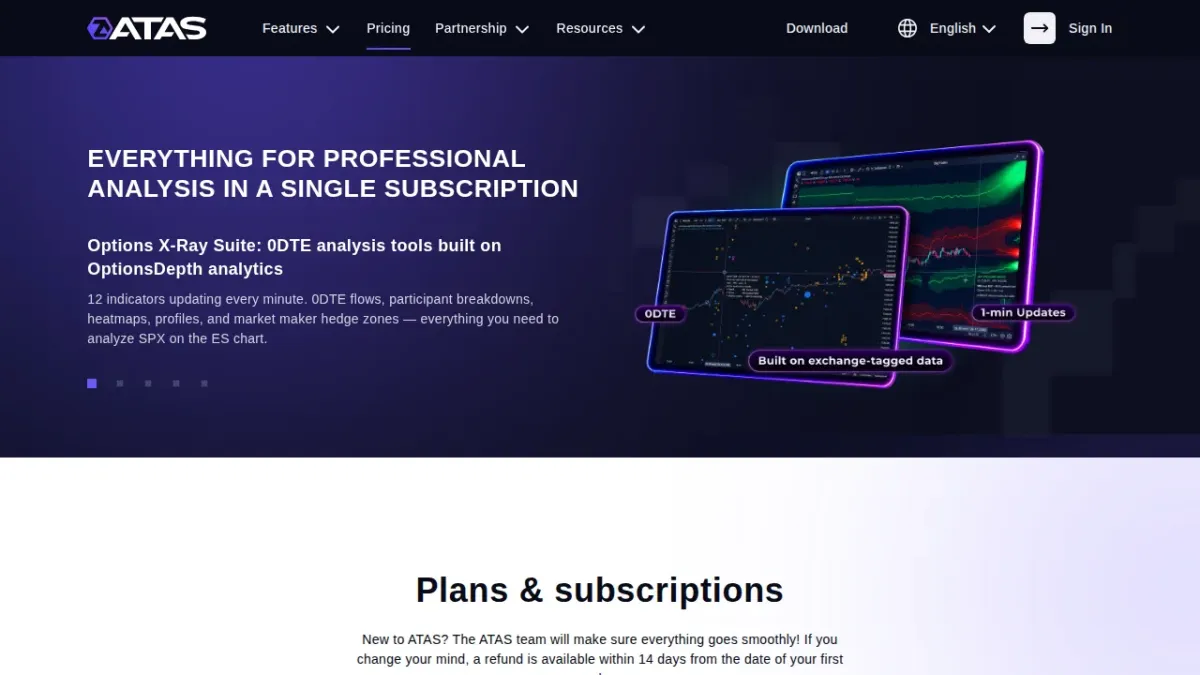
Who can use it
You must be of legal age to register, and after registration you get the free Start plan. A 14-day trial of a paid plan is available once per user, needs a linked card or PayPal account, and turns into the paid plan when it ends unless you cancel it or switch back to Start before then. ATAS may block another trial for 2 years after activation.
ATAS X runs on Windows 10 or later and on macOS, and Classic ATAS on Windows 10 or later; both need at least 8 GB of memory, 80 GB of disk space and an internet connection of 30 Mbps. Both versions come with every plan, including Start. The home page links a browser version marked Beta; ATAS lists no phone or tablet app.
The licence agreement lets you install ATAS on any number of your computers but allows only one login at a time, and passing your account details to others can end your access without a refund.
Safety and trust
The licence agreement is with SIA ATAS (Limited Liability Company), registration number 40203154738, of 1 Katlakalna St., Riga, Latvia. Latvian law governs it, and disputes go to the state courts of the Republic of Latvia. The site says ATAS does not provide investment services and does not operate as a broker or exchange.
Under the licence agreement, ATAS may change the agreement at any time by posting it on the site, and it must announce changes to plans, including their functions and prices, at least 30 days ahead, so that you can cancel first. Where the law allows, its total liability is capped at the money it received from you.
Trading conditions
The help centre's connection table lists broker connections through Rithmic, CQG, CTS, Trading Technologies (TT) and Exante, the platforms Interactive Brokers (TWS), NinjaTrader and MetaTrader 5, and crypto exchanges such as Binance, Bybit, Bitget, OKX and Kraken. The brokers page says access keys are encrypted and stored only on your computer. You trade from the chart, the DOM or the Chart Trader panel, with limit orders, stop orders, stop strategies and exit strategies, and the pricing page's comparison table marks order management on real accounts "Only for Crypto" for the Start and Plus plans and "All supported exchanges" for Pro and Ultra.
The help centre says that where a connection does not support server-side OCO or stop orders, they are applied only on the software side, so the platform must stay running and connected. The connectors page describes the built-in ATAS SIM as a futures account simulator with a 15-minute delay, and the help centre describes Crypto SIM as a demo account for trading virtual funds on Binance Futures.
Market data is connected separately, through a broker, a crypto exchange or a data provider such as dxFeed, IQFeed or Tai-Pan; the help centre describes such providers as companies that provide online data for a fee. The pricing page shows futures data on Start and Plus only with a 15-minute delay, while Pro and Ultra can connect real-time futures data. Its plan cards give Start and Plus 1 active connection to crypto exchanges, Pro 3 active connections to exchanges and data providers, and Ultra an unlimited number.
Plans and cost
The pricing page offers four plans: Start, Plus, Pro and Ultra. A chart can show 3 indicators at a time on Start, 6 on Plus, 12 on Pro and any number on Ultra, and you can analyse 2, 6, 20 or any number of instruments at once. Start has standard timeframes, Plus adds Range, Renko and Reversal frames, and Pro and Ultra have all standard, unique and custom frame types.
The API page says the Script Editor works on all plans except Start, and AI Connect, which links your own separately paid AI agent, needs Ultra or its trial. The same page limits Heatmap layers, DOM and watchlist columns, modules, connectors, MBO and options data built with the extended C# API to Ultra.
The pricing page bills Plus, Pro and Ultra for 1 month, 3 months or 1 year, or sells them as a Lifetime licence, although its FAQ also speaks of 6-month plans; prices exclude VAT. The licence agreement says Lifetime fees are not refundable if the agreement ends early, except as the agreement provides, and that the software or some of its features may not be available, updated or maintained on an ongoing basis. The pricing FAQ says that switching to another paid plan credits the unused days of your current one if their value is below the new plan's cost, that switching to Lifetime credits the cost of your current plan, and that you can return to Start at any time.
The payments offer says ATAS e-mails you at least 7 days before each charge with a link to instructions for turning off the automatic payments. You cancel auto-renewal in your Personal Account or through that link, and a cancelled plan stays active until the next payment date. On refunds the pages disagree: the pricing page promises a 100% refund within 14 days of your first payment, "no questions asked", while the licence agreement and the payments offer say you waive the right to a refund and that ATAS has the right to decide on one if you stop within 14 days.
Pros and cons
For
- Footprint charts with 400+ configurations, a heatmap, Smart DOM and Smart Tape, and 14 timeframe types, of which Start has only the standard ones.
- A free Start plan with no time limit, and ATAS X for both Windows and macOS.
- Orders go through your own broker or exchange, with access keys stored only on your computer.
Against
- On Start and Plus, futures data is delayed by 15 minutes and order management on real accounts is "Only for Crypto"; market data is connected separately.
- The Script Editor needs a paid plan, and AI Connect and the extended API's extensions need Ultra.
- No phone or tablet app, and the refund terms of the pricing page and the licence agreement disagree.
Who it suits
ATAS suits a futures or crypto trader who reads footprint charts, the order book and the tape on Windows or macOS, and who will take Pro or Ultra and connect a broker or data feed for real-time futures.
It does not suit a trader who needs a phone app, who wants real-time futures data on the free plan, or who wants to build modules or connectors without Ultra.
Verdict
Our BT Score for ATAS is fair. Footprint, heatmap and order flow tools, a free plan without a time limit and ATAS X for both Windows and macOS are real strengths. Against them stand delayed futures data and real-account order management only for crypto on Start and Plus, separately connected market data, the widest development tools only on Ultra, no phone or tablet app, and refund terms that differ between the pricing page and the licence agreement.
FAQ
Is ATAS free?
The Start plan is free with no time limit, but the pricing page gives it futures data with a 15-minute delay, order management on real accounts only for crypto, 3 indicators per chart and 2 instruments at once.
Does ATAS include market data?
No. Market data is connected separately through a broker, a crypto exchange or a data provider such as dxFeed or IQFeed.
Does the free trial need a card?
Yes. The 14-day trial of a paid plan needs a card or PayPal account and turns into the paid plan unless you cancel it before it ends.
Is there a mobile app?
ATAS lists none; its desktop versions run on Windows and macOS, and the home page links a browser version marked Beta.