


MultiCharts
MultiCharts is a Windows desktop trading suite for serious charting, EasyLanguage automation, DOM execution, and multi-broker futures workflows.
Review text updated September 13, 2026
Review method: published documents. Text updates are separate from the dated profile evidence; current features and account terms have not all been reverified.
Scores
Overall3.7/ 5
- Charting4.5 / 5
- Execution4.0 / 5
- Ease of use3.2 / 5
- Mobile1.0 / 5
- Automation4.5 / 5
- Data quality4.1 / 5
- Value3.2 / 5
- Support3.1 / 5
Pros
- Professional Windows desktop charting with regular and exotic chart types, drawing tools, Volume Profile, and multi-chart layouts
- Strong automation stack built around PowerLanguage/EasyLanguage, .NET, and newly added Python support
- DOM, chart trading, drag-and-drop orders, entry and exit strategies, and market replay for active execution practice
- Broad broker and data-feed model covering futures, crypto, stocks, FX, CFDs, and multiple external data vendors
- Useful fit for Rithmic-connected futures prop accounts where the firm supplies the connection credentials
Cons
- Windows desktop only, with no stated native mobile, web, Mac, or Linux platform
- Learning curve is real for traders who have never used EasyLanguage-style strategy development or multi-feed desktop software
- Order-flow depth is capable, but dedicated footprint and tape-reading specialists may still prefer Sierra Chart, Bookmap, or other niche tools
What is MultiCharts
MultiCharts is a Windows desktop trading platform made by MultiCharts, LLC, with MCT Limited also listed on the company's contact page. The company says the project began in 1999 and MultiCharts launched in 2005, with the product built around charting, backtesting, manual trading, automated trading, and choice of brokers and data feeds. It sits in the full-suite category: charting terminal, execution front end, strategy lab, and data hub in one application.
At a glance
MultiCharts is strongest for traders who want a serious desktop workstation, especially if they think in EasyLanguage-style strategy rules or need to connect several brokers and data feeds. It is a credible futures prop-trading platform when the prop firm supplies a compatible Rithmic-style connection, although it is less plug-and-play than a web-first platform.
Markets, instruments, and who can use it
MultiCharts can be used across futures, crypto, stocks, FX, and CFDs, subject to the broker or exchange connection selected on the supported-brokers page. For BullTraders readers, the relevant lane is futures via connections such as Rithmic, CQG, Interactive Brokers, and other supported gateways where available. The platform is a Windows desktop application; the tech specs page states that MultiCharts works on Windows 11 and gives PC hardware requirements rather than mobile or browser requirements. If your workflow depends on native Mac, Linux, iPad, phone trading, or a broker-owned web app, MultiCharts is a poor fit.
Charting and analysis
Charting is the product's home ground. MultiCharts lists chart analysis, regular and exotic chart types, drawing tools, Volume Profile, and a market scanner, which is the kind of toolkit a futures trader expects when running several symbols, timeframes, and indicator stacks at once. The useful part is flexibility: a trader can build a multi-chart workspace, apply custom studies, scan markets, and replay historical data. The thinner part is modern cross-device convenience, because the serious work lives on a Windows workstation.
Order execution and order flow
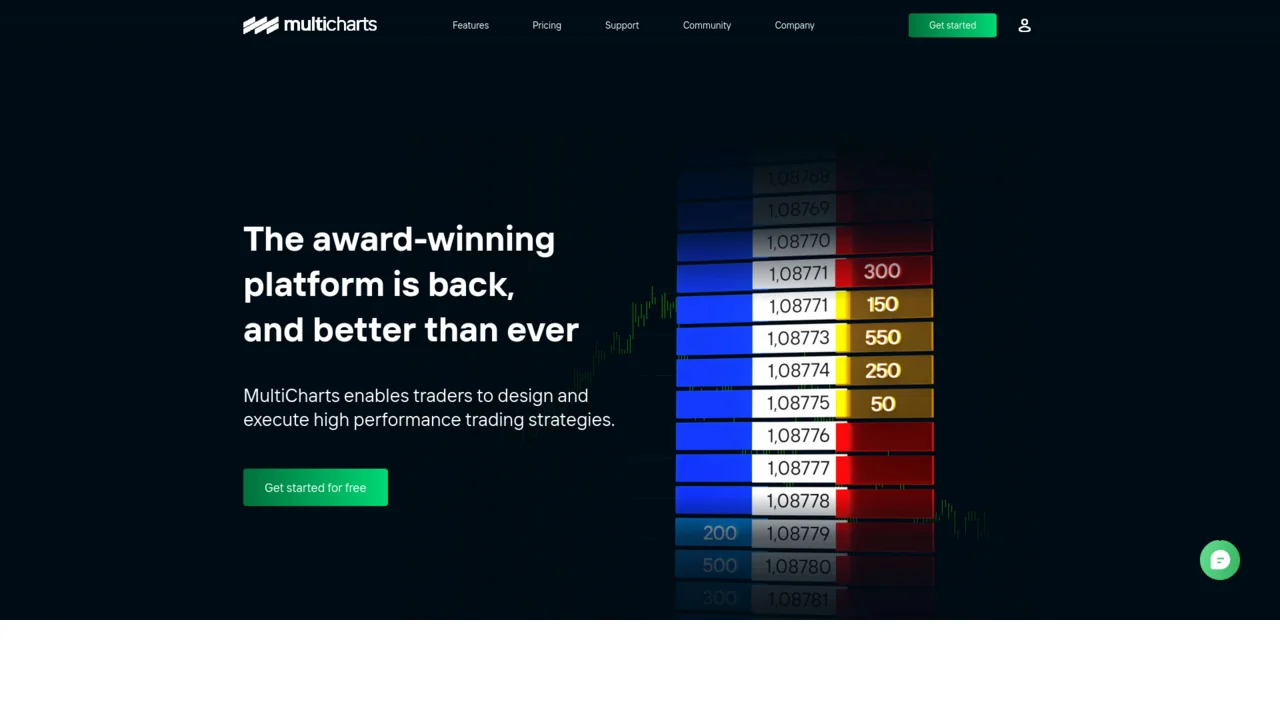
MultiCharts supports chart trading, visual drag-and-drop order adjustment, entry and exit strategies, and a Depth of Market, usually shortened to DOM, which is the ladder showing resting bid and offer liquidity by price. The company says its DOM displays ten price levels each way, includes one-click trading, and supports entry and exit automation directly inside the DOM window. For active futures execution, that gives you the core desk workflow: chart context, ladder entry, protective exits, and replay practice. Traders who need specialist footprint charts, heatmaps, or ultra-niche order-flow analytics may still prefer a dedicated tool, but MultiCharts covers the daily execution basics better than chart-only platforms.
Automation and backtesting
Automation is a major reason to consider MultiCharts. The platform supports PowerLanguage and EasyLanguage-style code, .NET via C# and Visual Basic, and the company says Python support was added in 2025. The automation page covers strategy development, backtesting, trading system analysis, optimization, and automated trading. The honest caution is that backtesting quality still depends on the data, assumptions, and execution model: tick precision, slippage, commissions, queue position, and rejected orders can change a strategy that looked clean in a report. MultiCharts gives serious tools for research, but it does not remove the need for out-of-sample testing, live simulation, and conservative assumptions.
Data, feeds, and connectivity
MultiCharts is built around external connectivity. The broker and data-feed page says users can choose the exchange or source, switch between them, use several at once, or combine them. The tech specs page is blunt about the requirement: real-time data needs a compatible data vendor subscription or an account with a compatible brokerage. For a futures prop trader, this changes the cost math because the prop firm often supplies the login and data route, commonly through a Rithmic-style environment. For independent traders, data vendors such as IQFeed or broker feeds add another monthly line item, and exchange fees can sit outside the MultiCharts license.
Pricing decoded
That free tier includes the simulator, sample historical data, chart and data analysis tools, strategy development, backtesting, optimization, and PowerLanguage or EasyLanguage support, while the same pricing page says market data is not available on that tier.
Standard adds access to supported brokers and data feeds, manual chart trading, entry and exit strategies, depth-of-market trading, algorithmic trading, the real-time Market Scanner, and Slack or Telegram alerts. Advanced adds portfolio and optimization tools, Volume Profile drawing, the Historical Data Downloader with Scheduler, Strategy Orders Monitor, and a fast automated-order execution switch.
A practical break-even example: if you only need live futures execution, compare Free $0 with Standard at $99 per month. Free remains useful for offline testing and replay, while live trading requires Standard, so the incremental license cost is $99 each month before exchange, data, broker, or prop-firm fees. Over six months that is $594 in license cost, and over a full year it is $1,188. If Advanced features matter for your workflow, the incremental cost over Standard is $50 per month, or $600 over a year. These are illustrative license-only figures based on the published monthly prices; your all-in cost depends on the data route and whether your prop firm includes platform access, connection fees, and exchange data.
Prop-firm compatibility
MultiCharts is prop-firm compatible when the firm supports a connection route MultiCharts can use, especially Rithmic. That makes it relevant for futures prop traders using firms that issue Rithmic credentials or support external desktop platforms, including Apex Trader Funding-style and Topstep-style setups where the platform list can vary by account type and current firm policy. The important operational detail is that MultiCharts is usually a direct desktop connection to the data and order-routing provider, rather than a trade placed through the firm's own web dashboard.
Before buying a MultiCharts seat for a challenge, verify the firm's current platform list, connection fee, data-routing rules, and whether automation is allowed. Start from our prop-firm reviews and then check the relevant firm review pages before assuming compatibility. Prop firms change platform menus and rule language often, so the safe rule is simple: MultiCharts works only when your firm gives you credentials and permission for a supported connection.
Mobile and cross-device
MultiCharts is a desktop workstation product. The official tech specs describe Windows 11 and PC hardware requirements, with no native mobile, browser, Mac, or Linux equivalent stated. That is acceptable for a desk-bound futures trader who runs a VPS or trading PC and treats the phone as a monitoring device. It is a serious limitation for traders who want full charting, order entry, and account management from a phone or tablet.
Should you run it on a VPS
Yes, a VPS is worth considering if you automate strategies, hold funded-account positions through volatile sessions, or need MultiCharts running when your local internet or power fails. This is the classic Windows desktop plus futures prop account use case: keep the trading platform close to the data route, logged in, and isolated from your everyday laptop. See our VPS reviews for provider selection and latency considerations.
Who it suits
MultiCharts is for the trader who wants a configurable Windows trading desk, strong charting, serious strategy testing, and broker or data-feed choice. It is especially attractive to former TradeStation-style users, EasyLanguage developers, and futures traders who want to connect a prop-firm data route into a full desktop platform.
Budget futures traders should compare it carefully with the platform included by their broker or prop firm. Order-flow specialists should compare it with Sierra Chart, Bookmap, and dedicated footprint tools. Mobile-first traders, Mac-only traders, casual crypto traders, and people who want a simple web terminal should choose a different platform.
Our verdict
MultiCharts remains a serious platform because it solves real desk problems: chart depth, strategy development, broker choice, DOM execution, and replay in one Windows application. Its best users are intentional power users, not traders shopping for the easiest first platform. The gating facts are the cost of live trading, the Windows-only footprint, and the limited mobile story. If those constraints fit your setup, MultiCharts deserves a place on the shortlist. If they fight your workflow, the friction will show up quickly.
FAQ
Is MultiCharts free?
Treat it as a simulator, charting, and strategy-development entry point rather than a complete live-trading setup.
Can I trade futures prop-firm accounts on MultiCharts?
Yes, when the prop firm supports a connection route that MultiCharts can use, commonly through Rithmic-style credentials. Always verify the firm's current platform list and automation rules before paying for a license.
Does MultiCharts run on Mac?
The official tech specs state Windows 11 and PC hardware requirements. A Mac user would need a Windows environment, remote Windows machine, or VPS, which adds complexity.
What programming language does MultiCharts use?
MultiCharts supports PowerLanguage and EasyLanguage-style strategy code, .NET languages such as C# and Visual Basic through MultiCharts .NET, and Python support that the company says arrived in 2025.
Is MultiCharts good for beginners?
It is approachable for a technically competent trader, especially one learning systematic trading, but it is built like professional desktop software. Beginners who want the simplest interface may be happier with a broker-native or web-first platform.
Do I need my own data feed?
For real-time trading, yes, you need market data through a compatible broker, data vendor, or prop-firm connection. The license price and the data price are separate parts of the final cost picture.
Provider documentation
MultiCharts official website contains the provider's product pages and legal terms. Match the account, plan and country before applying a rule or advertised price.
Provider pricing
MultiCharts pricing and available products should be checked for the exact account or hosting configuration. Compare the full charge, billing period and optional services before purchase.