

Tools & Platforms
TradeZella Review: Journal, Replay and Prop Firm Sync
Assess TradeZella for journaling, AI, replay and prop firm monitoring. Check imports, rule definitions and plan limits before relying on its dashboard.
Source updated
- Originally published
- Source updated
In this article
TradeZella combines journaling with tools for reviewing strategies and prop firm accounts. The useful question is whether it can accurately organize your trading records and account rules. A dashboard with more reports is only valuable when those reports match the account you actually trade.
This document review covers public product claims. It does not report a hands-on subscription test, measured import reliability or demonstrated prevention of evaluation failures.
What the Product Offers
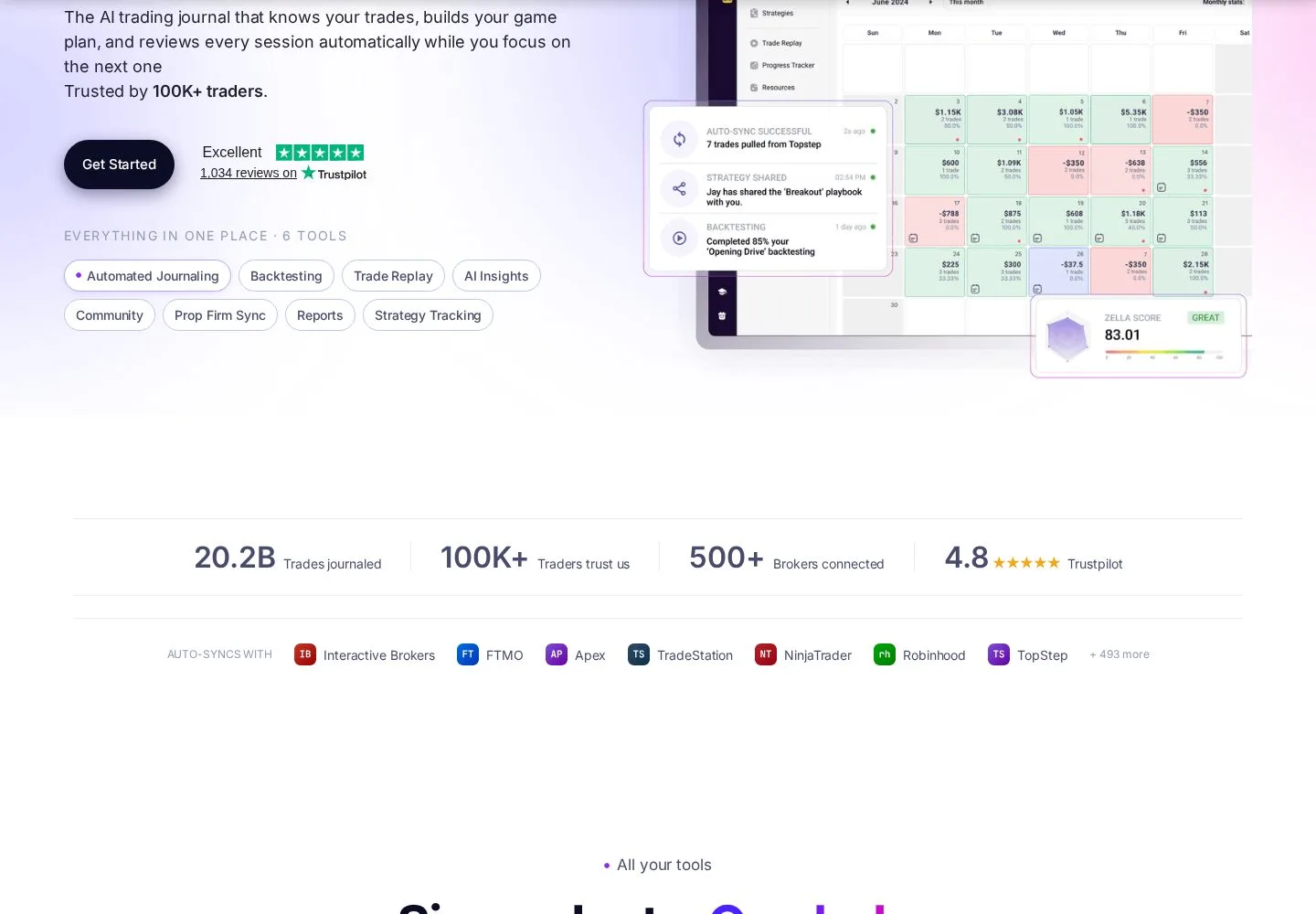
TradeZella's current product page lists automated journaling, backtesting, trade replay, AI insights and Prop Firm Sync. These features describe a broader research and review workflow. Check which tools are included in the plan you are considering.
The practical attraction is keeping screenshots, setup labels and execution records together. A trader can examine a decision at the time it was made and then compare it with later outcomes. That is different from collecting attractive winning-trade images after the fact.
Prop Firm Sync Needs Account-Level Checking
The vendor markets account-rule monitoring. Before using any displayed drawdown distance, identify the exact programme, phase and rule version. A company can offer multiple evaluations and simulated or live stages with different calculations.
Compare the journal against the firm's own dashboard at meaningful boundaries: a session reset, an open winning position, a partial close and a fee deduction. Establish whether the value uses balance or equity, whether it trails intraday, and which timezone resets the day. Check the last successful import or synchronization time.
These are acceptance checks to perform, not results of our testing. A monitoring feature is not proof that the product rejects a new order or that a stale connection cannot miss a breach. The provider's contract and account record remain the reference for compliance.
A Useful Trial Workflow
Start with one account containing a manageable set of trades. Compare net profit, contract quantities, commissions and the trading dates with the source statement. Include both a scaled entry and a scaled exit to see how executions are grouped.
Then create two setup labels with written definitions. Apply them consistently before comparing outcomes. If the classification changes every week, the chart may be measuring changing labels rather than a change in execution quality. Record deviations from your plan separately from losing trades; a well-executed trade can lose.
Export the records you would need if you stopped subscribing. Determine whether notes, tags and screenshots are included or only a trade table. Import convenience should not make your review history impossible to recover.
Replay and AI Have Different Jobs
Use replay to revisit the sequence of information available around a trade. Check the actual market, historical period and granularity offered by your selected plan. Recorded prices cannot reproduce every live queue, rejection or partial fill.
AI can help formulate questions about your archive. Ask it to identify the sample behind a conclusion and independently recalculate a simple result. A persuasive explanation does not establish causation, and filtering out historical losing conditions can overfit a strategy. Test any proposed rule against later observations before treating it as an improvement.
Price and Device Access
Check TradeZella's current pricing for account limits, billing commitment and the features attached to each plan. We withdrew the old three-tier price table because it was not supported by a current plan capture.
Try the actual note-entry and review workflow on your intended phone, tablet or desktop. A missing native app would not by itself mean a website is unusable on a phone, and mobile access does not guarantee desktop feature parity.
Our Assessment
TradeZella belongs on a shortlist when you want to connect daily review with programme context. Choose it only after reconciling your own import and checking the rules you need. We have not established that it is the cheapest journal or that it prevents more failures than alternatives. Compare it with TraderSync using the same records and questions.
Key Takeaways
- TradeZella now markets AI alongside journaling, replay and Prop Firm Sync.
- Programme-specific rule calculations need reconciliation.
- Monitoring is different from enforcing an order limit.
- Test exports and your device workflow before an annual commitment.
Frequently Asked Questions
Does TradeZella work with every prop firm?
Do not infer that from broker counts. Check the exact programme, connection and import method.
Can it replace a firm's dashboard?
Use the firm record to resolve discrepancies. A third-party display can be delayed or use a different calculation.
Is it worth paying for?
It depends on whether the demonstrated workflow saves useful review time. A subscription alone does not improve discipline or returns.